

What You Will Learn in an AutoCAD Training Program
Have you been considering enrolling in an AutoCAD course and want to know what you’ll actually learn before committing? If Yes, then this article is for you.
Introduction
AutoCAD is one of the most widely used computer-aided design (CAD) software applications in the world. used by various industry professionals AutoCAD is used to create precise 2D drawings and 3D models.
Why Understanding the AutoCAD Curriculum Matters?
Understanding the structure of an AutoCAD course helps learners set a clear expectation and learning goals ensuring you know what skills you will gain at each stage of the training.
The well-structured curriculum helps you track your learning progress, build skills step-by-step, apply knowledge to real projects, and prepare for industry requirements.
What Is Taught in AutoCAD?
Typically, in AutoCAD training program, learners are taught how to create, edit, and manage technical drawings. This course includes both 2D drafting and introductory 3D modeling concepts.
Key areas include:
- Drawing and editing tools,
- Precision drafting techniques,
- Layer management,
- Annotation and dimensioning,
- Layout and printing setup,
- Basic 3D modeling.
AutoCAD Training Syllabus: Complete Curriculum Overview
At Geoinfotech, AutoCAD syllabus is structured to take learners from foundational knowledge to advanced application. Every module builds on the previous one to ensure steady skill development.
AutoCAD Course Outline (Module-by-Module)
Module 1: AutoCAD Civil 3D Fundamentals (Beginner Level)
1. The view of AutoCAD Interface
2. Relevant Drawing tools, ribbons, command prompt and functions
3. Units settings
4. Managing and Drawing with layers
5. Understanding Survey Data (Vector: COGO Points e.g. csv, text; Raster: Images e.g. jpeg)
6. How to Import Survey Data
Module 2: Plotting Survey Plans/Automation
1. Plotting with Bearing and Distance
2. Plotting with Coordinates
3. Dimensioning and Annotations
4. Automating Dimensioning and Annotations
5. Layout setup and printing/Export to Scale
Module 3: Layout Subdivisions of Plots (Advance AutoCAD skills)
1. Plotting the Perimeter/Boundary line
2. Equal Subdivision of Irregular Boundary
3. Creating Alignment for Access roads
4. Parcel Creation in Plots/lots
5. Lisp for Automating Survey Tasks in AutoCAD
Module 4: Survey Maps
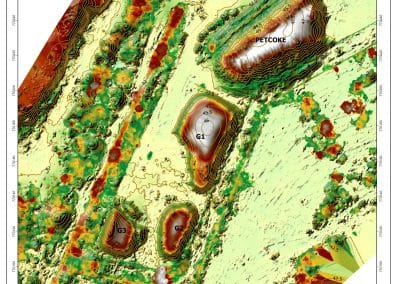
1. Import Topographic Survey Data
2. Automating Spot Heights
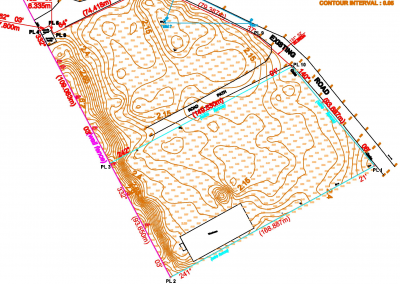
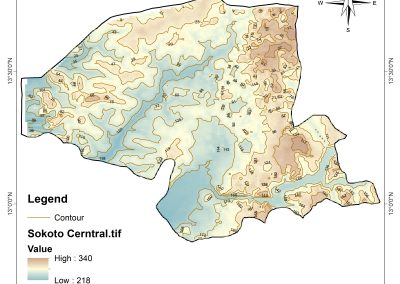
3. Automating Contours
4. Creating Thematic Features
5. Adding Mapping Elements (Legend, Scale bar, Description etc.)
6. Scaling and printing/Export
Module 5: Road Profiles and Advance AutoCAD tips
1. Longitudinal Profile from Contour Surface
2. Cross Sections from Contour Surface
3. Converting PDF to AutoCAD “.DWG” Capstone Project
Students undertake a project to address a real-world problem.
Steps include:
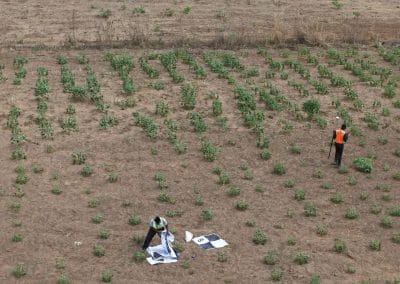
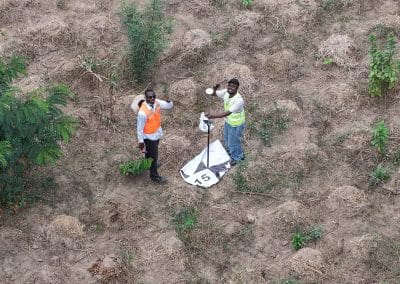
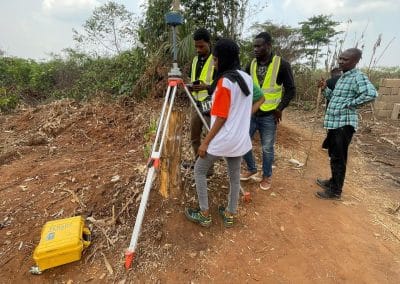
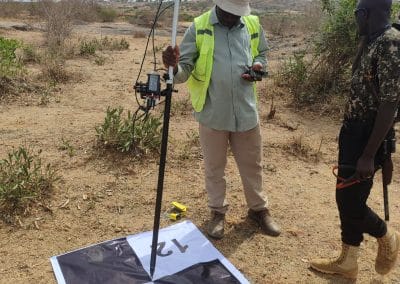
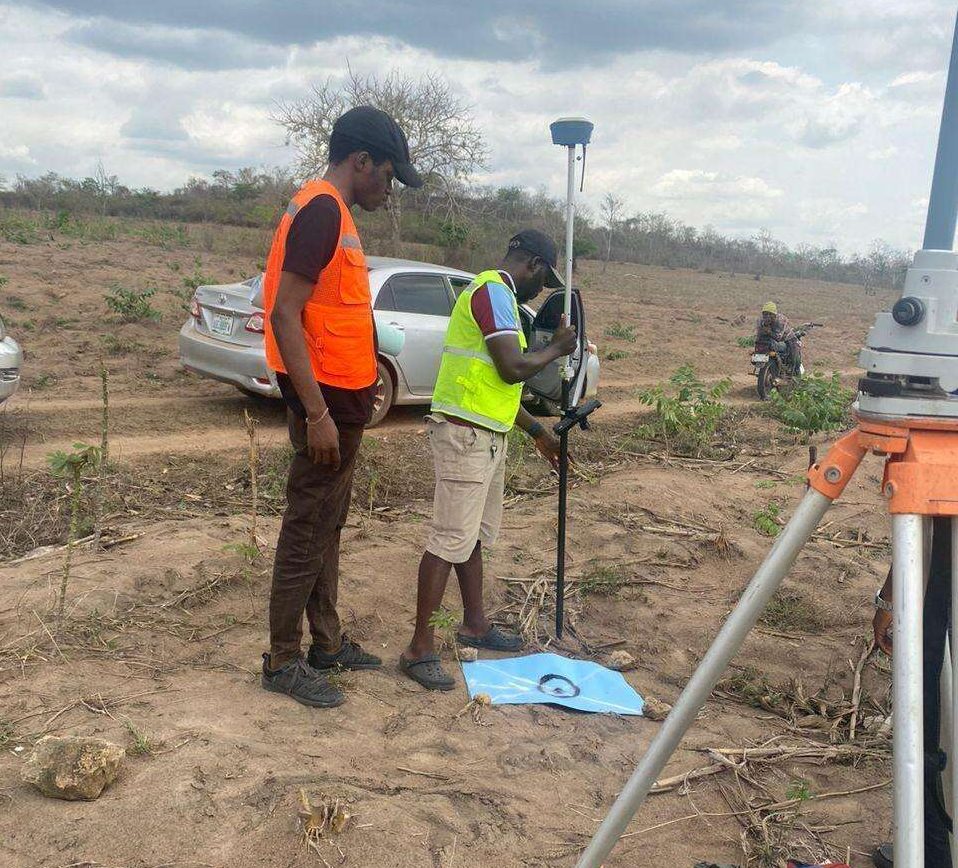
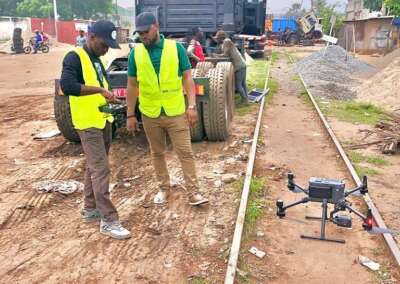
1. Field Observations and Data Organization
2. Data Importation and Plotting with AutoCAD Civil3D
3. Results Presentation in form of Reports, Plans or Maps.
Examination and Assessment
Software Skills You’ll Develop
By the end of the training, learners will be able to:
- Create accurate 2D technical drawings,
- Use advanced editing tools efficiently,
- Manage layers and drawing standards,
- Produce professional documentation,
- Understand basic 3D modeling concepts.
Tips to Get the Most Out of Your Training
- Practice regularly with real-world projects,
- Learn keyboard shortcuts for efficiency,
- Follow structured exercises step-by-step,
- Ask questions and seek feedback,
- Revisit modules for better understanding.
Conclusion
AutoCAD is a powerful design tool that opens doors to multiple career opportunities in engineering, architecture, and design. This structured curriculum ensures learners gain both theoretical knowledge and practical skills needed in the industry.
With consistent practice and project-based learning, anyone can become proficient in AutoCAD and apply it effectively in real-world scenarios.
Where to learn AutoCAD?
Enrol for the AutoCAD Training program at Geoinfoacademy
Apply now: https://geoinfotech.ng/training-geoinfotech-training-new/