
Introduction
Learning AutoCAD can open opportunities in architecture, engineering, construction, surveying, manufacturing, and technical design. However, choosing the right training program can be difficult when there are many courses, training centres, private tutors, and online options available.
The best AutoCAD training should combine clear instruction with practical exercises. You should also have opportunities to work on real drawing projects rather than simply memorising commands.
Whether you are a complete beginner, a student, or a professional looking to improve your CAD skills, this guide will help you understand your training options and choose a program that fits your goals.
What Should You Look for in an AutoCAD Training Program?
Before registering for a course, consider what you actually want to learn. A beginner may need a different program from someone who already understands basic drafting.
A good AutoCAD training program should cover important areas such as:
- AutoCAD interface and workspace
- Drawing and editing commands
- Coordinates and Object Snap
- Layers and drawing organisation
- Text and dimensions
- Blocks and reusable components
- Layouts and plotting
- 2D drafting
- Basic 3D modelling
- Practical project exercises
The training should also give you enough time to practise what you learn.
AutoCAD Training in Nigeria
If you are searching for AutoCAD Training in Nigeria, you have several learning options.
You can choose from:
- Physical training centres
- Private instructors
- Online courses
- University and continuing education programs
- Industry-focused training organisations
- Self-paced learning platforms
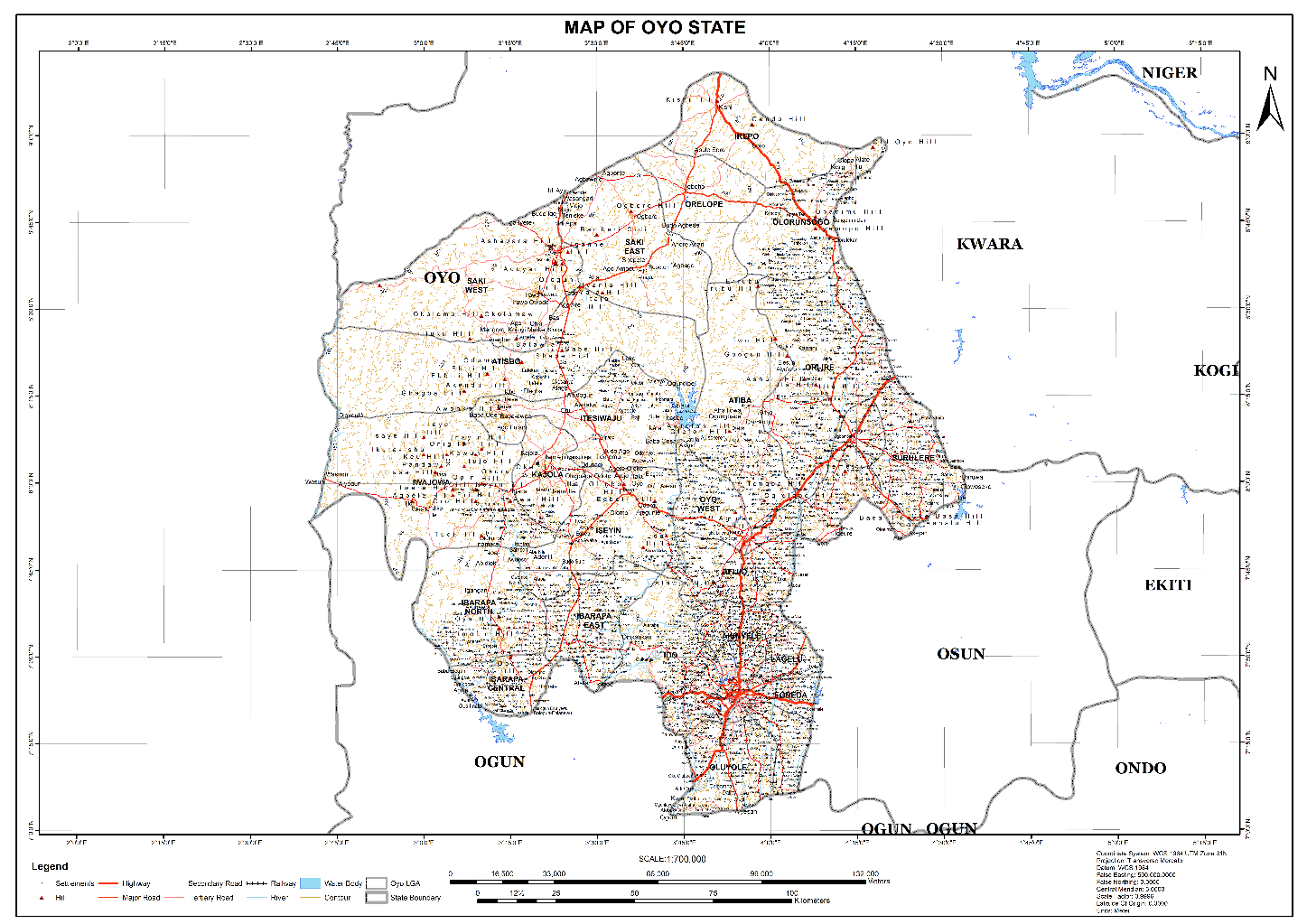
Current course directories list AutoCAD training options across several Nigerian states, including Lagos, Rivers, Abuja, Oyo, Anambra, and Delta.
Your location does not necessarily have to limit your choices. Online training can allow you to learn from an instructor or organisation based in another city.
AutoCAD Training Centers in Nigeria
When comparing AutoCAD Training centers in Nigeria, look beyond the name of the institution.
Ask questions such as:
- Does the course start from beginner level?
- Is the training practical?
- Does the instructor have industry experience?
- How long does the course last?
- Is the software provided or do I need my own copy?
- Will I work on real projects?
- Is a certificate included?
- Is there support after the training?
- Does the course cover the type of AutoCAD work I want to pursue?
A good training centre should make it clear what you will learn before you register.
Can I Teach Myself AutoCAD?
The question Can I teach myself AutoCAD has a simple answer: Yes.
Many people begin learning AutoCAD independently through tutorials, documentation, practice drawings, and online courses.
However, self-learning requires discipline. You also need to know which topics to learn and in what order.
A beginner can start with:
- Understanding the AutoCAD interface.
- Learning basic drawing commands.
- Practising editing tools.
- Learning coordinates and Object Snap.
- Creating and managing layers.
- Adding dimensions and annotations.
- Creating simple technical drawings.
- Learning layouts and plotting.
Self-learning can work well for motivated learners. However, structured training can make the process faster by providing guidance, exercises, feedback, and a clear learning path.
Online or Physical AutoCAD Training: Which Is Better?
Both learning methods have advantages.
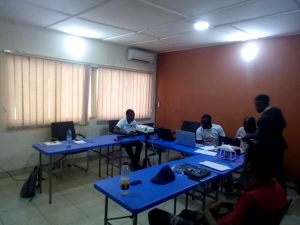
Physical training can be useful if you learn better through direct interaction with an instructor. You can ask questions immediately and receive guidance while working on exercises.
Online training offers more flexibility. You can learn from home, follow a self-paced course, or attend live virtual classes without travelling to a training centre.
Some providers also combine both approaches. This can give learners the flexibility of online lessons with the structure of instructor-led training.
How Long Does AutoCAD Training Take?
The length of an AutoCAD course depends on the training level and curriculum.
A basic beginner course may focus on essential 2D drafting skills. More advanced programs can take longer because they introduce 3D modelling, specialised workflows, and professional project exercises.
For example, current online programs in Canada range from short introductory courses to structured multi-course certificates.
Instead of focusing only on the number of weeks, check what the course covers and how much practical work is included.
What Can You Do After Learning AutoCAD?
AutoCAD skills can support work in several technical fields.
Depending on your additional qualifications and experience, you can develop skills for roles involving:
- Architectural drafting
- Engineering drafting
- Civil and construction drawings
- Survey drafting
- Mechanical design
- Interior design
- Technical drawing
- CAD support
However, learning AutoCAD alone does not guarantee employment. Strong technical knowledge, project experience, industry understanding, and good drafting practices can make your skills more valuable.
Choosing the Right AutoCAD Training Program
Before registering, compare several programs rather than choosing the first option you find.
Consider these five factors:
Course content: Make sure the lessons cover the skills you need.
Practical training: Look for exercises and projects that allow you to apply what you learn.
Instructor: Check whether the trainer has relevant practical experience.
Learning format: Choose classroom, live online, or self-paced training based on your schedule and learning style.
Support: Training is more useful when you can ask questions and receive feedback during your learning process.
Conclusion
Finding the right AutoCAD training program depends on your location, experience, budget, and career goals. You can also learn independently if you have the discipline to practise consistently. However, structured training can provide a clearer learning path and professional guidance.
At Geoinfoacademy, we offer flexible online AutoCAD training as well as physical training programmes in Lagos, Abuja, and Port Harcourt, Nigeria. Whether you prefer learning from home or attending in-person classes, our training options are designed to help you develop practical AutoCAD skills.
Get in touch with Geoinfoacademy today to find a training option that suits your needs and take the next step in your professional development.
Apply now: https://geoinfotech.ng/training-geoinfotech-training-new/