
404
Oops!, that page can’t be found.
There are other options that might interest you below
Oops!, that page can’t be found.
There are other options that might interest you below
Search Results
How to Share a Web Map in ArcGIS Pro
Sharing a web map in ArcGIS Pro allows you to make your GIS data and analysis results accessible online, whether for collaboration within an organization or for public viewing. In this guide, we'll walk you through the steps to efficiently share a web map from ArcGIS...
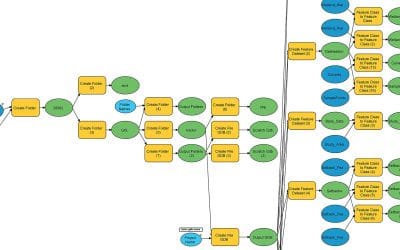
AUTOMATING GIS WORKFLOWS WITH MODELBUILDER IN ARCGIS PRO
ModelBuilder in ArcGIS Pro is a visual programming language designed to create and manage geoprocessing workflows. It allows users to automate spatial analysis and data management tasks by chaining together sequences of geoprocessing tools, where the output of one...
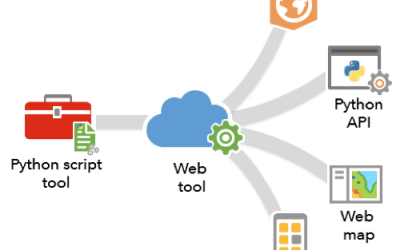
How to Use Python and ArcPy for Automating GIS Workflows in ArcGIS Pro
To automate GIS workflows in ArcGIS Pro using Python and ArcPy, you can write Python scripts that leverage the ArcPy module to access and manipulate geospatial data within your project, utilizing various geoprocessing tools to perform tasks like data selection,...
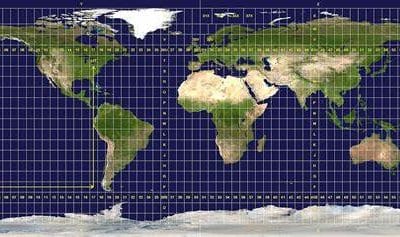
Choosing the Right Coordinate System for Your GIS Project
When embarking on a Geographic Information System (GIS) project, one of the foundational decisions you’ll face is selecting the right coordinate system. It’s not just a technical detail—it’s the backbone of how your spatial data aligns with the real world. Choose...

Cleaning Geospatial Data: Tips to Avoid Common Pitfalls
Geospatial data is the lifeblood of any GIS project, powering everything from urban planning to environmental monitoring. But here’s the catch: raw geospatial data is rarely pristine. Whether it’s missing coordinates, duplicate points, or inconsistent formats, dirty...
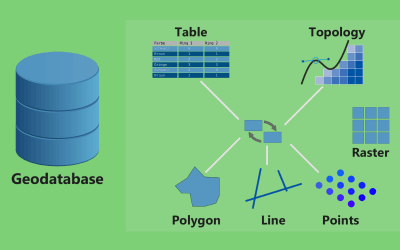
Managing and Creating Geodatabases in ArcGIS Pro
To manage and create geodatabases in ArcGIS Pro, you primarily use the Catalog pane, where you can right-click on a desired folder to create a new file geodatabase, and then further manage its contents by adding feature classes, tables, and other datasets directly...
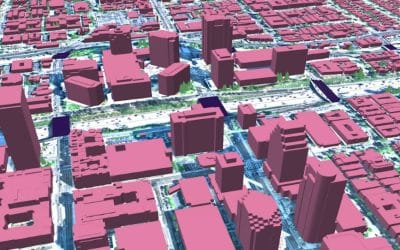
How to Work with 3D Data in ArcGIS Pro
To work with 3D data in ArcGIS Pro, you need to: import your 3D data (like 3D models or point clouds) using the "Import 3D Files" tool, then create a new 3D scene, add the imported data as a layer, and manipulate its appearance and properties within the scene view to...
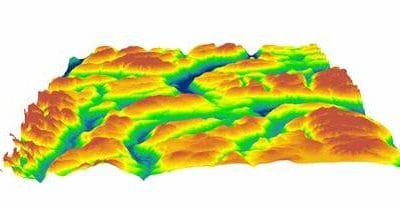
Extracting Topographic Features from DEMs in ArcGIS Pro
To "extract topographic pictures from a DEM" means to visually represent the elevation data contained within a Digital Elevation Model (DEM) by generating images that highlight the terrain features like hills, valleys, and slopes, typically done through specialized...

Emerging Trends in GIS (3D Mapping, Real-Time Analytics, and AI Integration)
Geographic Information Systems (GIS) have come a long way from their early days of paper maps and basic digital representations of the world. Today, GIS is evolving rapidly, driven by new technologies that are pushing the boundaries of what we can map, analyze, and...
CONTACT US